
Social listening is the process of monitoring how people communicate about a brand online—and engaging with those people when possible. It involves constant vigilance and the use of a variety of tools that look for hashtags, mentions, and conversations that pertain to a brand. It marks the difference between passively monitoring social media data, and actively doing something with it.
While some of the more popular tools for social listening (like Netbase and Brandwatch) require expensive subscriptions, there are free tools readily available. Let’s take a look a some of them.
TweetDeck
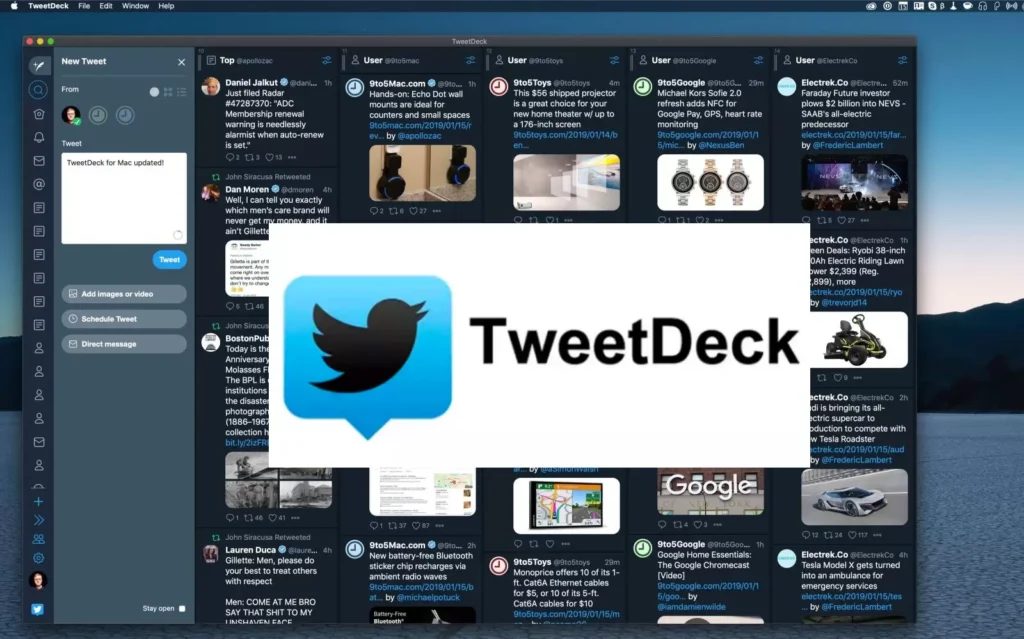
TweetDeck is an app that allows users to manage their Twitter accounts. You can use it to monitor real-time news related to a brand, products, and competitors.
How it applies to social listening: you can set it up to monitor @ mentions and hashtags.
- Sign into your Twitter account.
- Go to tweetdeck.twitter.com.
- TweetDeck allows you to monitor @ mentions of a brand name and competitors. For example:
- Click the blue plus sign on the left side to add a column.
- Select @ Mentions.
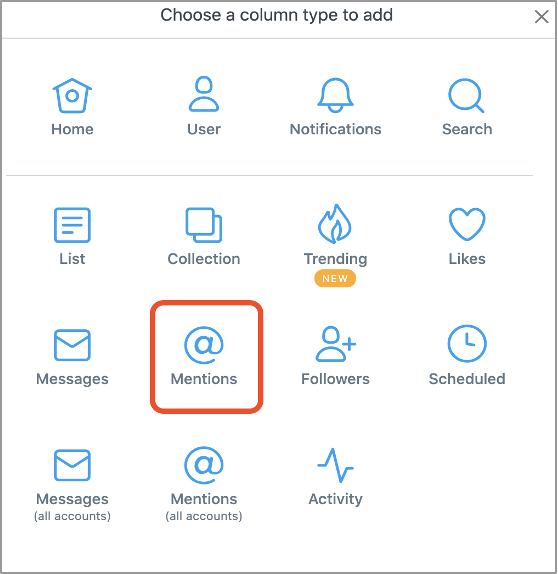
- Add the handles of your company and its competitors.
- Follow hashtags that mention your brand.
- Click on the plus sign in the left again to add a column.
- Select search from the top line.
- Enter your hashtag or search term (i.e. keywords) into the search field.
Social Mention and BoardReader
Because blogs and forums feature unfiltered discussions, there’s a good chance that you’ll get the raw truth about what people think about your brand—good or bad—on these forums.
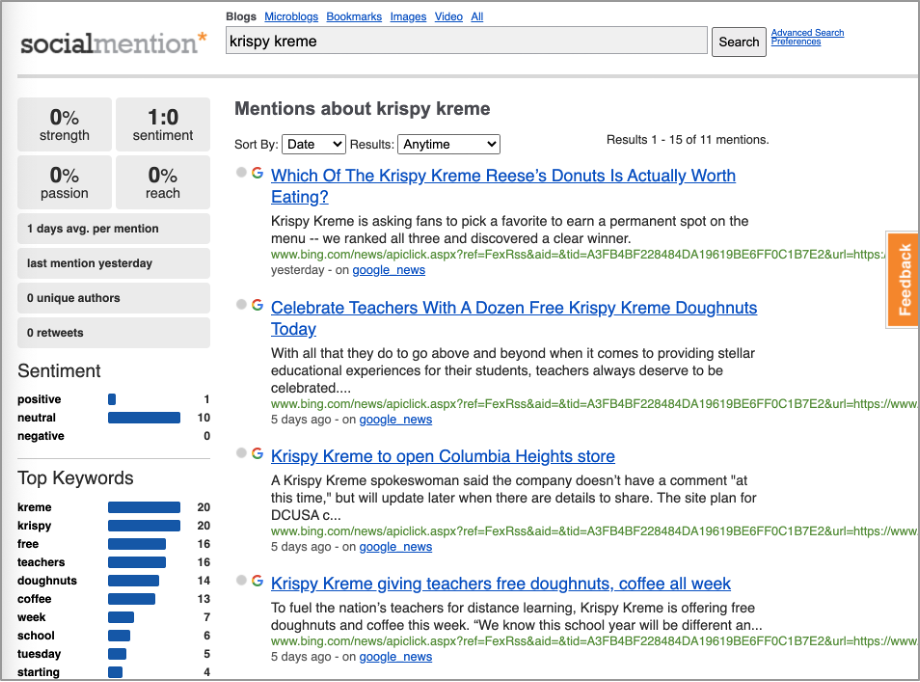
There’s a free tool that can help with this. Social Mention is a platform that crawls search engines and social sites to provide a big picture view that includes links, audience sentiment, and related trending keywords.
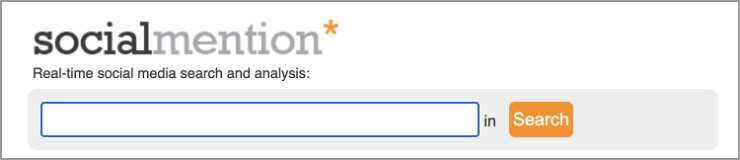
- Go to socialmention.com.
- Plug in your search terms (variations of your brand or product name, for example).
- View results from blogs and bookmarking sites to see what topics come up the most.
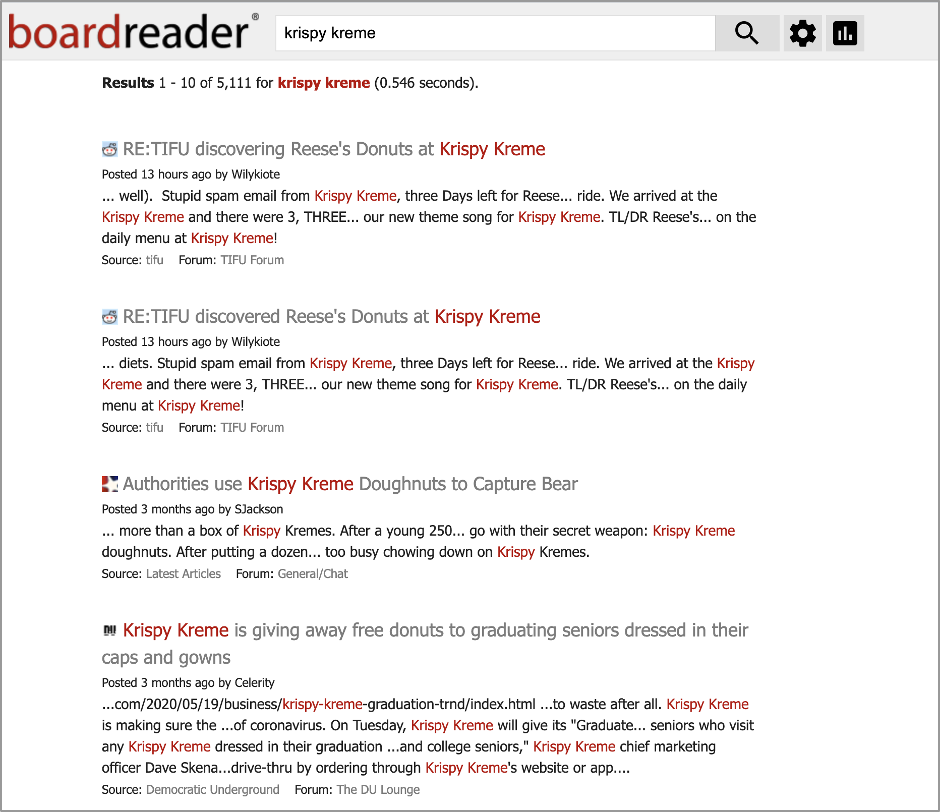
Another tool related to Social Mention is BoardReader. It’s more limited since it only shows forum results. But it is useful because it usually pulls up more forum results than Social Mention.
- Go to boardreader.com.
- Enter your search term and view the results.
Google Trends
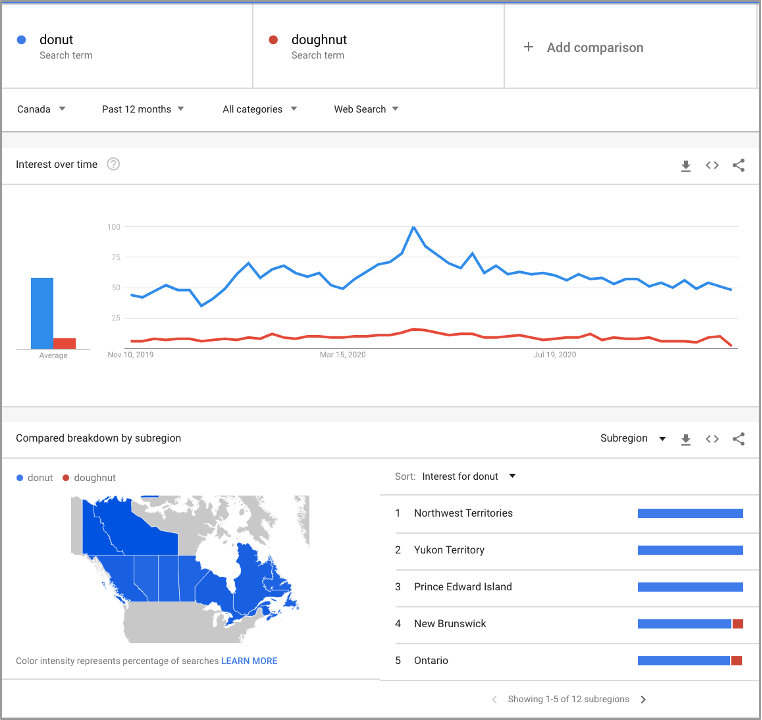
Although we can’t automate this process, Google Trends is helpful for viewing macro trends across preferred search terms.
- Go to Google Trends.
- Enter your search term or topic. (You can also run comparative searches. For example, you can compare your product to another that has competing products.)
- View the results by yearly search volume, region, and related interests and queries.
Listening to these macro trends could inform the way you target and message your advertising.
Google Alerts
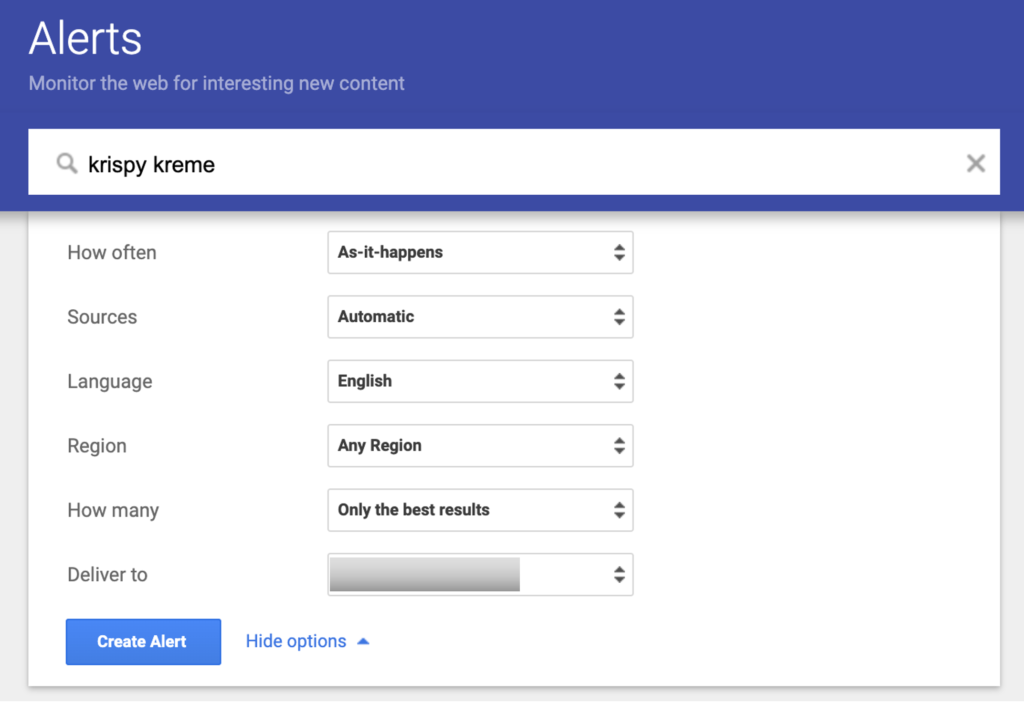
Google Alerts is simple to set up and helps you monitor the web for mentions of your business or competitor. The alerts are sent to your inbox.
- Sign in to your Google account, then go to google.com/alerts.
- Enter your term in the “Create an alert about . . .” field.
- Choose from the options: How often, Source, Region, How Many (i.e how many results you want to see. Google can only show the results it deems the most relevant to your term. You can all choose “All results,” but this will show everything with your search term, including many irrelevant results).
- Enter the email address where you would like to receive alerts.
Tips for monitoring competitors:
- Monitor your competitors by entering their brand names.
- Analyze where competitors are posting and who is mentioning them.
- Look for guest posting opportunities or reach out to posters and ask them to review your products.
Bonus: RSS feeds
RSS stands for really simple syndication. An RSS feed culls updated information from websites in a stream as it’s published around the web.
Take advantage of RSS feeds to monitor websites that publish content pertinent to your industry. Sites often churn out a lot of content that isn’t always applicable to your needs; RSS feeds can help you filter content based on keywords so you only get notified when articles pertaining to your specific topic are posted.
Feedbro is a free extension in the Chrome store with RSS subscription and filtering capabilities. (Note: There are many RSS feed extensions, and sometimes they disappear because they are no longer maintained. Feel free to explore the others in the Chrome store. The methodology and desired outcome remains the same.)
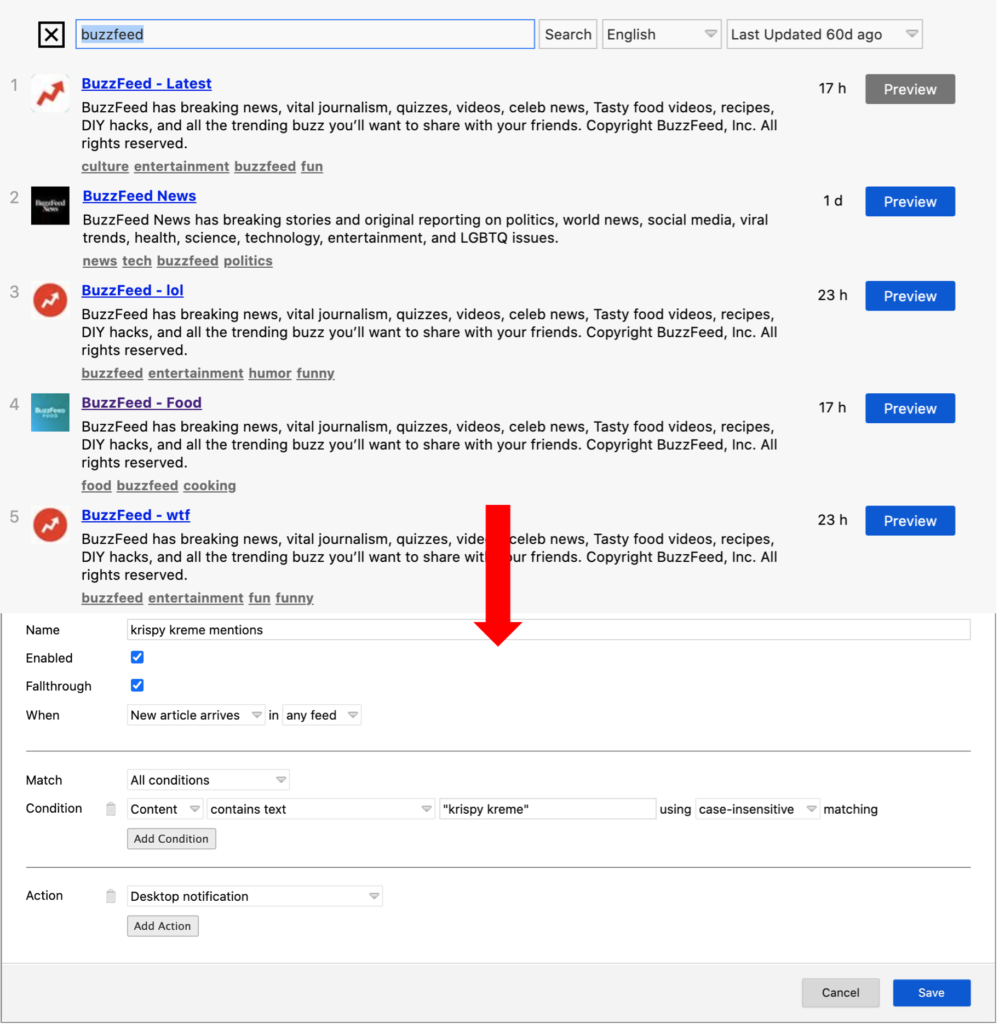
- Subscribe to RSS feeds from your favorite industry websites using the built-in RSS feed search tool.
- Create a filtering rule that gives you desktop alerts each time an article with your keywords is posted on those websites.
Using an RSS feed, you can share to your social media audiences, create new content based on articles, anticipate industry trends, and iterate products or services.
Read more about how to use Feedbro here.
